
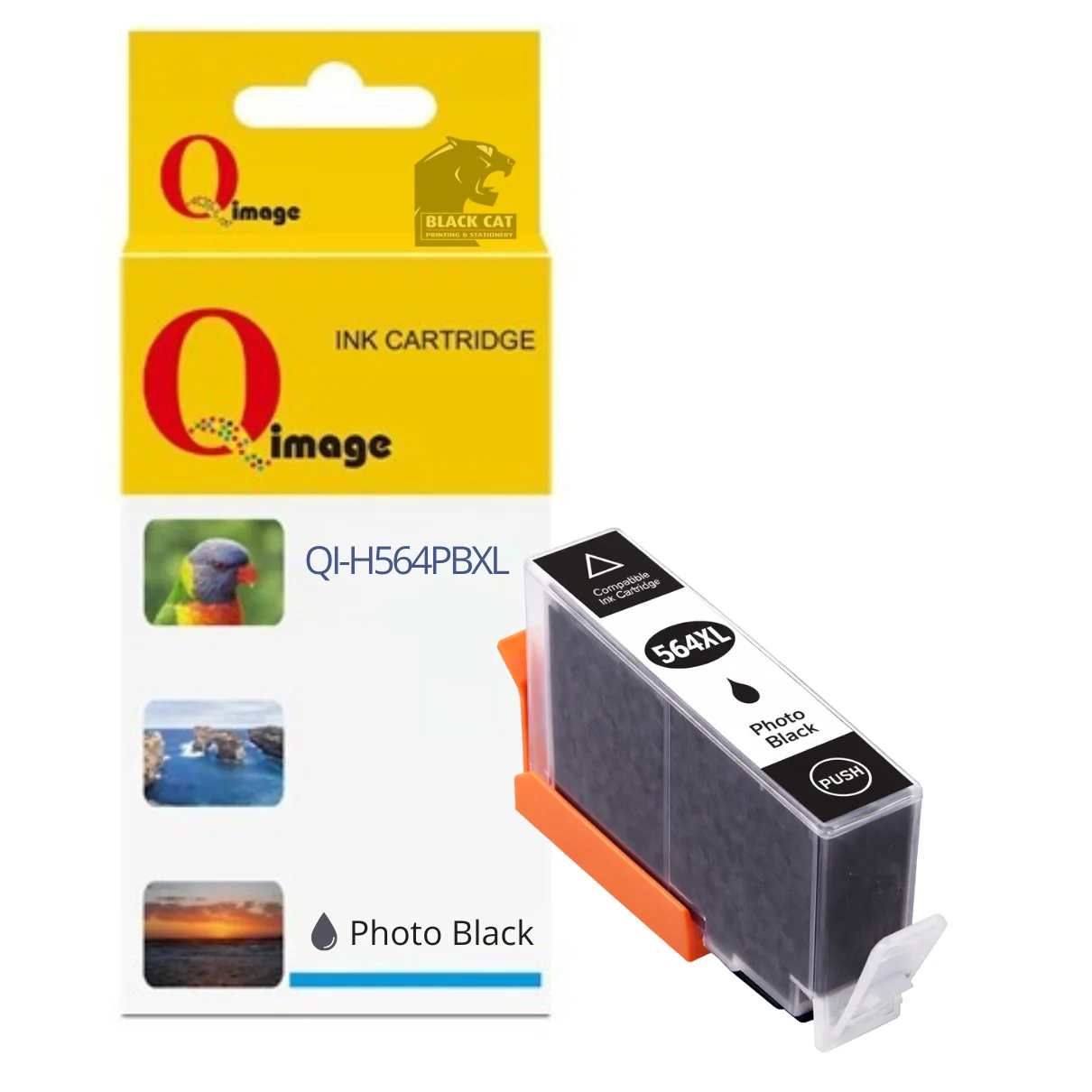
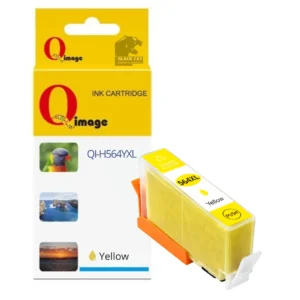
Compatible HP 564XL Photo Black Ink Cartridge
High-Quality Photo Black Printing for HP Inkjet Printers
The Compatible HP 564XL Photo Black Ink Cartridge is designed for high-quality photo and image printing in selected HP Photosmart inkjet printers. It delivers deep, rich photo black tones, making it ideal for photo prints, graphics and image-heavy documents.
This is a compatible replacement cartridge for HP 564XL Photo Black, manufactured to strict quality standards and tested to ensure reliable performance and consistent photo print results.
Ink Volume
15 ml
Compatible Printers
HP Photosmart 7510, HP Photosmart 7520, HP Photosmart B8550, HP Photosmart C309A, HP Photosmart C309g, HP Photosmart C310A, HP Photosmart C410A, HP Photosmart C510A, HP Photosmart C5380, HP Photosmart C6375, HP Photosmart C6380 and HP Photosmart D5460.
Key Features
• Compatible HP 564XL Photo Black ink cartridge
• 15 ml photo black ink volume
• Designed for deep blacks and photo detail
• Tested for reliable everyday performance
• Compatible replacement for HP 564XL Photo Black cartridges
Availability
Available in store at Black Cat Printing & Stationery, Blackwood SA, or via Inkjet Online for delivery.
Firmware & Printer Messages
HP printers may display warnings indicating that a non-genuine or compatible ink cartridge is installed. These messages are expected behaviour and do not prevent normal printing. Follow the on-screen prompts to continue.
Installation & Troubleshooting Instructions
If the cartridge is not recognised by the printer:
• Remove the cartridge from the printer
• Gently clean the electrical contacts using a rubber eraser
• Wipe the contacts with a paper towel
• Reinstall the cartridge into the printer
After installation, the printer may display messages such as:
“Low on Ink”, “Ink Exhausted”, “Used” or “Non-Genuine Cartridge”
Select OK, Continue or Yes to proceed with printing.
If there are print quality issues:
• Run the printhead nozzle cleaning function from the printer’s maintenance menu
• If required, repeat the cleaning process 2–3 times using a lint-free cloth
Is this a genuine HP ink cartridge?
No — this is a compatible replacement ink cartridge designed to replace HP 564XL Photo Black.
Which printers is this cartridge compatible with?
Compatible with HP Photosmart 7510, 7520, B8550, C309A, C309g, C310A, C410A, C510A, C5380, C6375, C6380 and D5460 printers.
Will my printer show warning messages?
Yes. HP printers may display non-genuine or compatibility warnings. These are normal and do not prevent printing.
What should I do if the cartridge is not recognised?
Remove the cartridge, clean the electrical contacts gently with a rubber eraser, wipe with a paper towel and reinstall.
Where can I buy compatible HP ink cartridges?
This cartridge is available in store at Black Cat Printing & Stationery in Blackwood SA.
Reviews
There are no reviews yet.