
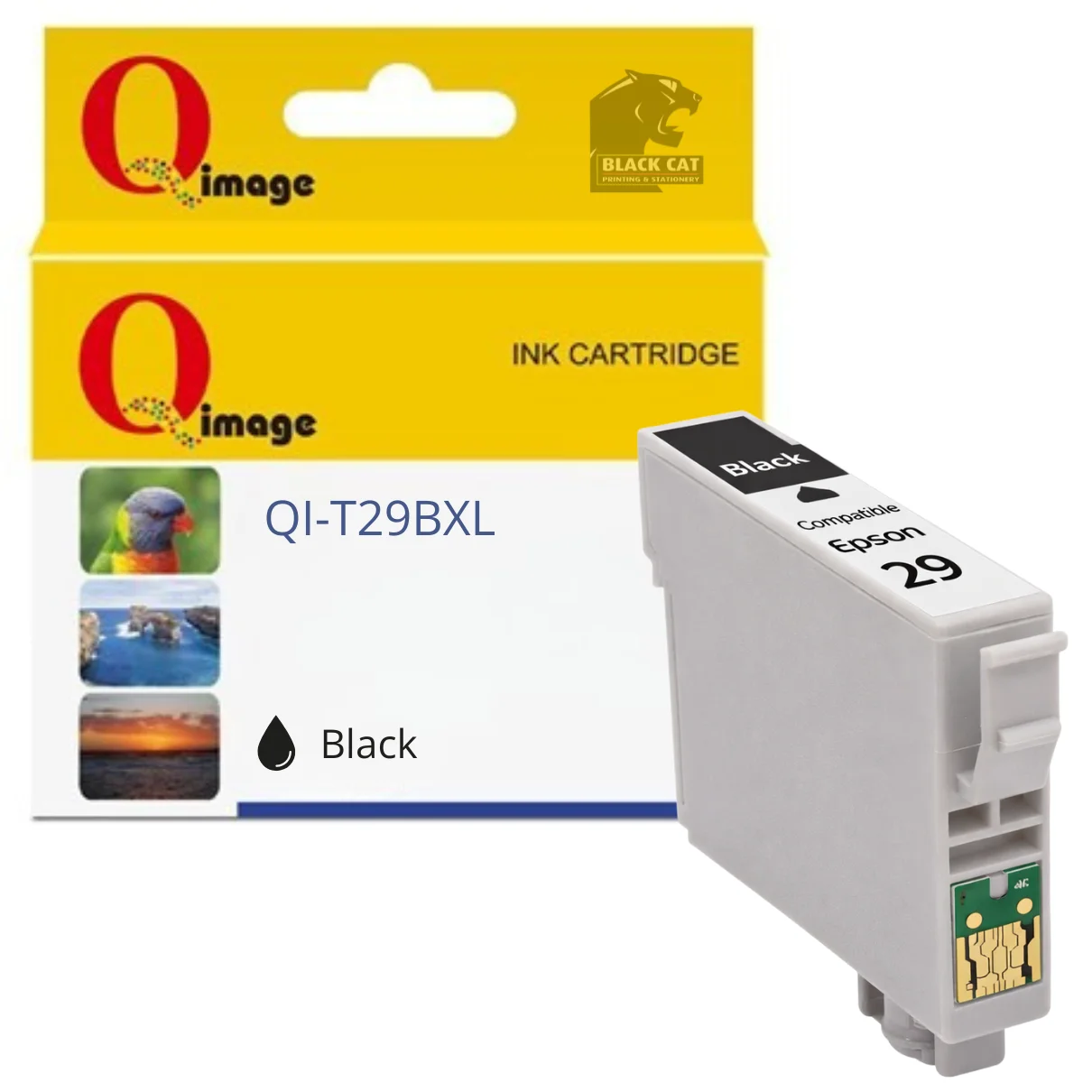


Compatible Epson 29XL Black Ink Cartridge
Compatible Epson 29XL Black Ink Cartridge
This compatible Epson 29XL Black ink cartridge is designed as a cost-effective replacement for genuine Epson 29XL Black ink, delivering reliable everyday print performance for home and small office use.
Manufactured to fit Epson XP-series inkjet printers, this cartridge provides sharp black text and consistent output, making it suitable for documents, reports, and general printing tasks.
Product Details
- Compatible replacement for Epson 29XL Black ink cartridge
- Page yield: up to 470 pages
- Ink colour: Black
- Designed for reliable performance and consistent print quality
Compatible Epson Printers
- Epson Expression Home XP-235
- Epson Expression Home XP-432
Available in store only at:
Black Cat Printing & Stationery
197 Main Road, Blackwood SA 5051
Firmware & Installation Notice (Important)
Epson printers use firmware to detect and restrict non-genuine ink cartridges. Updating your printer’s firmware may cause compatible ink cartridges to stop being recognised or display error messages.
To avoid compatibility issues, it is strongly recommended that automatic firmware updates are disabled in your printer settings when using compatible ink cartridges.
If firmware updates are installed, the printer may display messages such as:
- “Ink cartridge not recognised”
- “Replace cartridge”
In some cases, printing may be prevented altogether. These messages are firmware-related and are not a fault with the cartridge itself.
Installation Instructions – Compatible Epson 29XL Ink Cartridges
At the first use of compatible Epson 29XL ink cartridges, follow the steps below:
- Remove the pull sticker from the new cartridge before installation.
- Install the cartridge into the printer as normal.
- After installation, a pop-up message may appear stating “Non-genuine ink detected”.
- Click OK, then YES to continue printing.
- Before printing, it is recommended to run a nozzle check.
- If print quality issues appear, perform a nozzle cleaning cycle.
- When sending the first print command, the printer may display “You Have Not Installed Genuine Epson Ink Cartridges”.
- Click Continue to proceed.
- Ink levels will show as full immediately after installation.
- As ink is used, the printer will correctly detect when ink is running low.
- During the cartridge life cycle, messages such as “Ink cartridge not recognised” or “Replace cartridges” indicate the cartridge is near the end of its usable life and should be replaced.
Is this a genuine Epson cartridge?
No — this is a compatible replacement for the Epson 29XL Black ink cartridge, designed to fit and function like the original.
What printers is this compatible with?
Compatible with Epson Expression Home XP-235 and XP-432 printers.
What is the estimated page yield?
Estimated page yield is up to 470 pages (results may vary depending on print content and settings).
Will I see firmware or non-genuine warnings?
Possibly. Epson printers can display non-genuine or cartridge recognition warnings when using compatible inks. It’s recommended to disable automatic firmware updates to reduce compatibility issues.
Is this available online or in store only?
This product is available for purchase in store at Black Cat Printing & Stationery, 197 Main Road, Blackwood SA 5051.
Reviews
There are no reviews yet.