
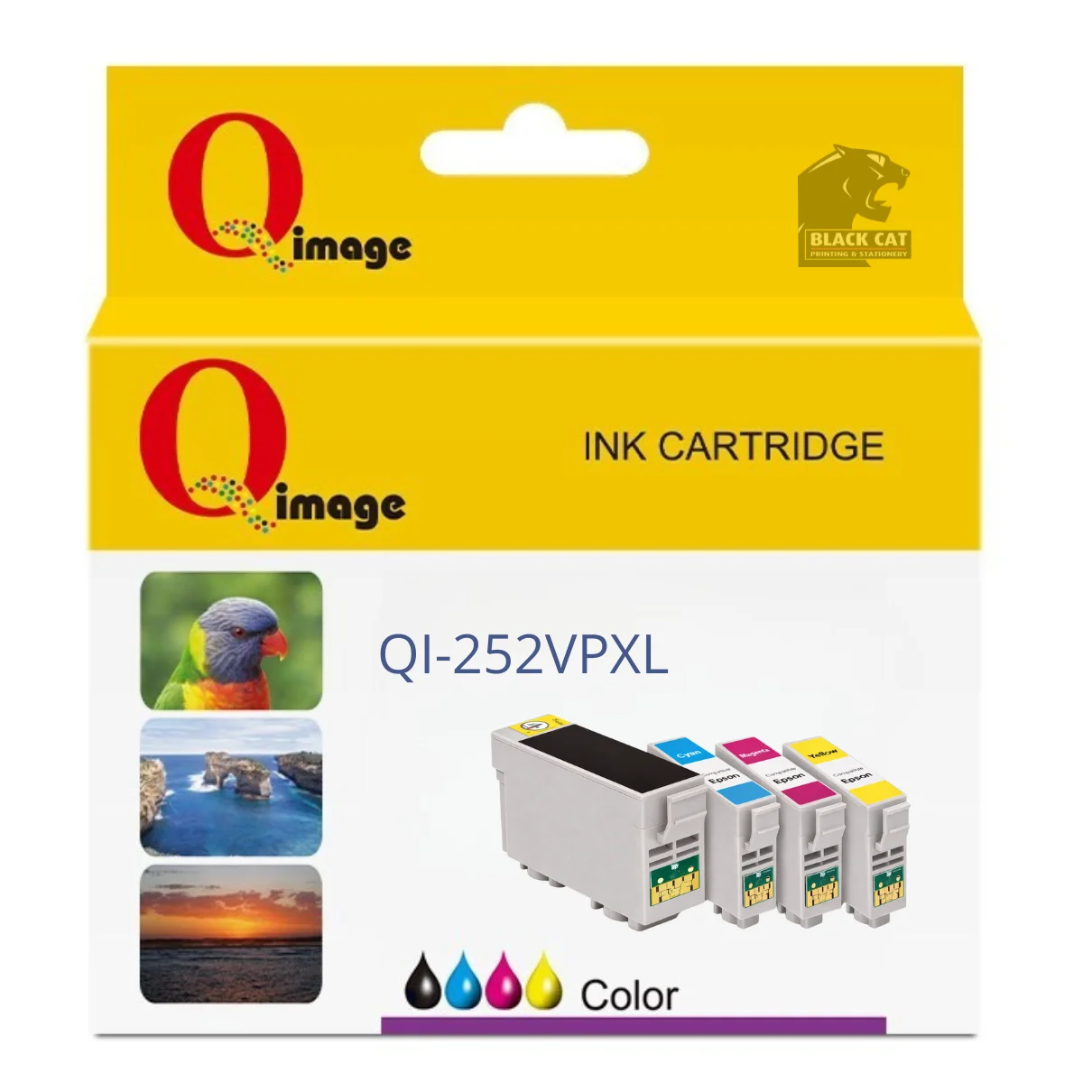
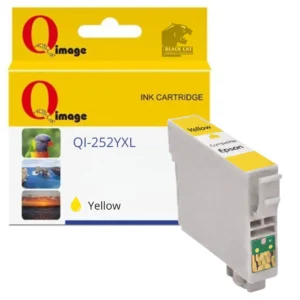
Compatible Epson 252XL CMYK Ink Cartridge Value Pack (4-Pack)
This compatible Epson 252XL CMYK value pack includes Black, Cyan, Magenta and Yellow ink cartridges, offering a convenient and cost-effective alternative to purchasing individual cartridges separately.
Designed for busy home offices and business environments, this 4-pack delivers reliable, high-capacity print performance across documents, reports and colour graphics while helping reduce overall ink costs.
Pack Contents
- 1 × Compatible Epson 252XL Black ink cartridge
- 1 × Compatible Epson 252XL Cyan ink cartridge
- 1 × Compatible Epson 252XL Magenta ink cartridge
- 1 × Compatible Epson 252XL Yellow ink cartridge
Product Details
- Compatible replacement for Epson 252XL ink cartridges
- CMYK value pack for convenience and savings
- High-capacity inks suitable for everyday office printing
- Designed for consistent performance and dependable print quality
Compatible Epson Printers
- Epson WorkForce WF-3620
- Epson WorkForce WF-3640
- Epson WorkForce WF-7610
- Epson WorkForce WF-7620
- Epson WorkForce WF-7710
- Epson WorkForce WF-7720
- Epson WorkForce WF-7725
Available in store only at:
Black Cat Printing & Stationery
197 Main Road, Blackwood SA 5051
Firmware & Installation Notice (Important)
Epson printers use firmware to detect and restrict non-genuine ink cartridges. Updating your printer’s firmware may cause compatible ink cartridges to stop being recognised or display error messages. To avoid compatibility issues, it is strongly recommended that automatic firmware updates are disabled in your printer settings when using compatible ink cartridges.
If firmware updates are installed, the printer may display messages such as:
- “Ink cartridge not recognised”
- “Ink cartridges cannot be recognised”
- “Replace cartridge”
These issues are firmware-related and are not a fault with the cartridges themselves.
Installation Instructions – Compatible Epson 252XL Ink Cartridges
When installing compatible Epson 252XL ink cartridges, please follow these steps:
- Remove the yellow tape from each cartridge.
- Install the cartridges into the printer.
- A message may appear stating “It looks like you are using non-genuine ink cartridges”.
- Select OK and YES to continue.
- When printing for the first time, the printer may display “You have not installed genuine Epson ink cartridges”.
- Select Continue to proceed.
- Ink levels will show as full after installation.
- When ink is running low, the printer will display “It is almost time to replace ink cartridge” and a “!” indicator may appear.
- When the printer displays “Replace cartridge” or “Ink cartridges cannot be recognised”, the affected cartridge has reached end of life and should be replaced.
Is this a genuine Epson ink cartridge pack?
No — this is a compatible Epson 252XL CMYK ink cartridge value pack designed as a replacement for genuine Epson cartridges.
What cartridges are included in this pack?
The pack includes Black, Cyan, Magenta and Yellow compatible Epson 252XL ink cartridges.
What printers is this compatible with?
Compatible with Epson WorkForce WF-3620, WF-3640, WF-7610, WF-7620, WF-7710, WF-7720 and WF-7725 printers.
Will firmware or non-genuine warnings appear?
Yes. Epson printers may display firmware or non-genuine ink warnings when using compatible cartridges. Disabling automatic firmware updates is recommended.
Is this available online or in store only?
This product is available in store only at Black Cat Printing & Stationery, Blackwood SA.
Reviews
There are no reviews yet.