
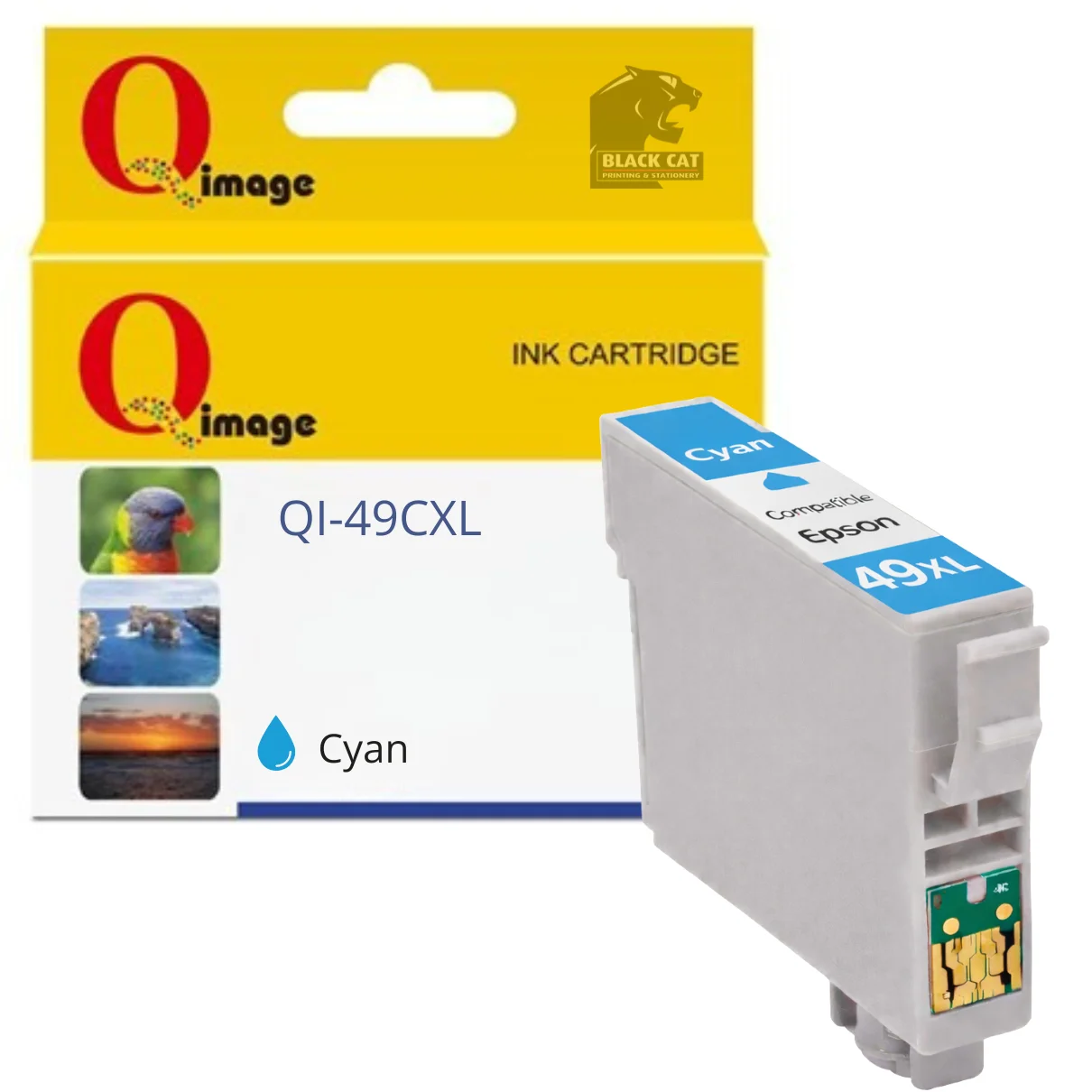
Compatible Epson 49XL Cyan Ink Cartridge
This compatible Epson 49XL Cyan ink cartridge is designed as a cost-effective replacement for genuine Epson 49XL Cyan ink, delivering reliable colour output for everyday home printing.
Manufactured to fit Epson XP-series inkjet printers, this cartridge produces consistent cyan colour output, making it suitable for colour documents, schoolwork, and general printing tasks.
Product Details
- Compatible replacement for Epson 49XL Cyan ink cartridge
- Page yield: up to 350 pages
- Ink colour: Cyan
- Designed for consistent performance and dependable print quality
Compatible Epson Printers
- Epson Expression Home XP-2205
- Epson Expression Home XP-4205
Available in store only at:
Black Cat Printing & Stationery
197 Main Road, Blackwood SA 5051
Firmware & Installation Notice (Important)
Epson printers use firmware to detect and restrict non-genuine ink cartridges. Updating your printer’s firmware may cause compatible ink cartridges to stop being recognised or display error messages. To avoid compatibility issues, it is strongly recommended that automatic firmware updates are disabled in your printer settings when using compatible ink cartridges.
If firmware updates are installed, the printer may display messages such as:
- “Ink cartridge not recognised”
- “Ink cartridges cannot be recognised”
- “Replace cartridges”
These issues are firmware-related and are not a fault with the cartridge itself.
Installation Instructions – Compatible Epson 49XL Ink Cartridges
At the first use of compatible Epson 49XL ink cartridges it is necessary to follow the steps below:
- Remove any protective labels or seals from the cartridge before installation.
- Install the cartridge into the printer as normal.
- If the printer displays “Ink cartridge is not recognised” after installation, remove and reinstall the cartridge.
- You may need to reinstall the cartridge several times before it is accepted.
- Once installation is complete, run a printer nozzle check to ensure good print performance.
- If nozzle clogging is detected, perform a print head cleaning cycle.
- When ink levels are low, the printer will display “It’s almost time to replace ink cartridges!”.
- When the printer displays “Ink cartridges cannot be recognised”, “Replace cartridges”, or shows an “X” on the cartridge indicator, replace the cartridge with a new one.
Is this a genuine Epson ink cartridge?
No — this is a compatible replacement for the Epson 49XL Cyan ink cartridge.
What printers is this compatible with?
Compatible with Epson Expression Home XP-2205 and XP-4205 printers.
What is the estimated page yield?
Estimated page yield is up to 350 pages (results may vary depending on print content and printer settings).
Will firmware or cartridge recognition warnings appear?
Yes. Epson printers may display firmware or cartridge recognition warnings when using compatible ink cartridges. Disabling automatic firmware updates is strongly recommended.
Is this available online or in store only?
This product is available in store only at Black Cat Printing & Stationery, 197 Main Road, Blackwood SA 5051.
Reviews
There are no reviews yet.